PWA vs native app in 2026 for Indian and Gulf businesses: what each can do, Google Play's call log rule, store fees, iPhone limits and two builds of ours.
- Published
- Updated
- Reading time
- 12 minutes
Drafted with AI tools; researched, edited and approved by Althameem Ali. Our editorial policy
On this page · 10 sections
- What is a PWA, and what can it do in 2026?
- What can only a native app do?
- Why did we build ReelsBuddy's ERP as a PWA and Xale's call sync as a native app?
- How do cost, time and upkeep compare?
- What about iPhones?
- What does Android-first India mean for the choice?
- Can you start with a PWA and add a store app later?
- Frequently asked questions
- What to do next
- Changelog
Full disclosure: we design and build custom software, portals and internal tools for businesses in Kerala and the GCC and mobile apps, with the UI/UX design for both, so we sell both answers. We have shipped both, too: ReelsBuddy's ERP runs as an installable web app, while Xale CRM has a native Android app (opens in a new tab) because one feature needs it. Both are explained below, with every platform rule linked to its source and read on 4 October 2026.
This guide is for owners and product leads deciding how their staff or customers will use software on a phone: what a PWA can do in 2026, what only a native app can do, how cost and upkeep compare, and how to keep both doors open.
What is a PWA, and what can it do in 2026?#
A progressive web app is a website built to behave like an app. It is installed from the browser to the home screen, opens full screen in its own window and, with a service worker, can keep working when the connection drops.
The bar for installation is lower than most people think. MDN's guide to making PWAs installable (opens in a new tab) (last modified 7 September 2026) lists what Chromium browsers such as Chrome and Edge need: a web app manifest with a name, a 192-pixel and a 512-pixel icon, a start URL and a display mode, served over HTTPS. A service worker is "not a requirement" for installing, though most PWAs use one for offline use. On iPhones and iPads running iOS 16.4 or later, PWAs install from the Share menu in Safari, Chrome, Edge, Firefox and Orion.
Once installed, a PWA can:
- Open from the home screen like any app, with its own icon and no browser bar.
- Work offline or on a weak signal, if it caches screens and data with a service worker.
- Send push notifications, on Android and, since iOS 16.4, on iPhones once the app is on the Home Screen.
- Take photos, upload files and use location, through standard browser permissions.
- Update itself. The next time someone opens it, they have the latest version.
For forms, lists, dashboards, approvals, bookings and reports, which is most business software, that is everything you need.
What can only a native app do?#
A native app is built for the phone's operating system and installed from a store (or, for company devices, managed directly). It gets the operating system's full set of features, within the store's policies. Four things still push a project towards native.
Reading the call log. No browser API reads a phone's call history, so a CRM that logs every call a salesperson makes from their own phone needs a native Android app. Even then, Google Play restricts it. Its policy on SMS and Call Log permissions (opens in a new tab) lets an app read the call log only if it is the default phone, SMS or assistant app, or qualifies for a listed exception. One exception covers "business & enterprise customer relationship management (CRM)" apps, with a corporate login required, and for CRM use it allows only READ_CALL_LOG and PROCESS_OUTGOING_CALLS. The use must be declared in Play Console, is subject to Google's review, and Google describes these exceptions as temporary, so build the app to keep working if the rules tighten.
Reliable background work. Field apps that sync in the background, track a delivery route or upload recordings after the call depend on background execution. The web's Background Synchronization API has limited availability: MDN's compatibility data lists Chrome but not Safari or Firefox (MDN (opens in a new tab)).
Bluetooth and NFC on every phone. Web Bluetooth works in Chrome, including on Android, but not in Safari or Firefox (MDN (opens in a new tab)), and MDN's data lists Web NFC only on Android, in Chrome and browsers built on it. A PWA can talk to a Bluetooth printer from an Android phone; on an iPhone it can't.
A place in the stores. Some customers look for a brand in the App Store or Google Play first, and some businesses want the store listing as a signal of trust. That is a marketing reason rather than a technical one, but it is real.
If none of the four applies to you, a native app is a choice, not a requirement.
Why did we build ReelsBuddy's ERP as a PWA and Xale's call sync as a native app?#
Two products from the same team, two different answers, each decided by one question: what does the phone need to do?
ReelsBuddy's ERP: an installable web app. ReelsBuddy, a Marketlube company, has made 3,000+ videos so far (reported by our team) and runs its leads and sales CRM, production board, accounts, HR and hiring, and reports on one phone-first web app we built (ReelsBuddy case study). Everything the team does there, from updating a card to logging an expense or sharing a WhatsApp-ready summary, works through a browser. So there is no store listing to maintain and no review to wait for, and a fix reaches every phone the next time it opens the app.
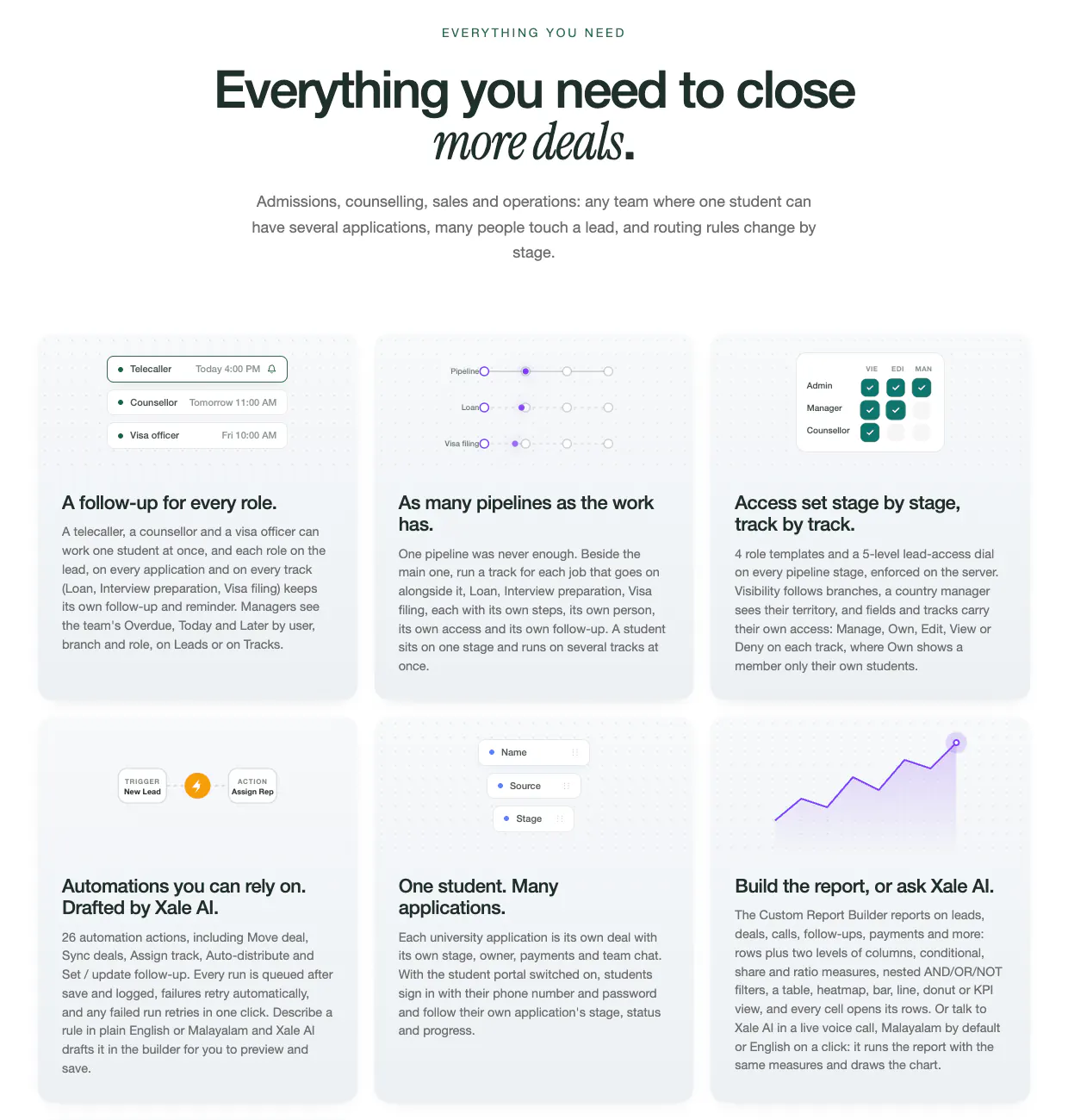
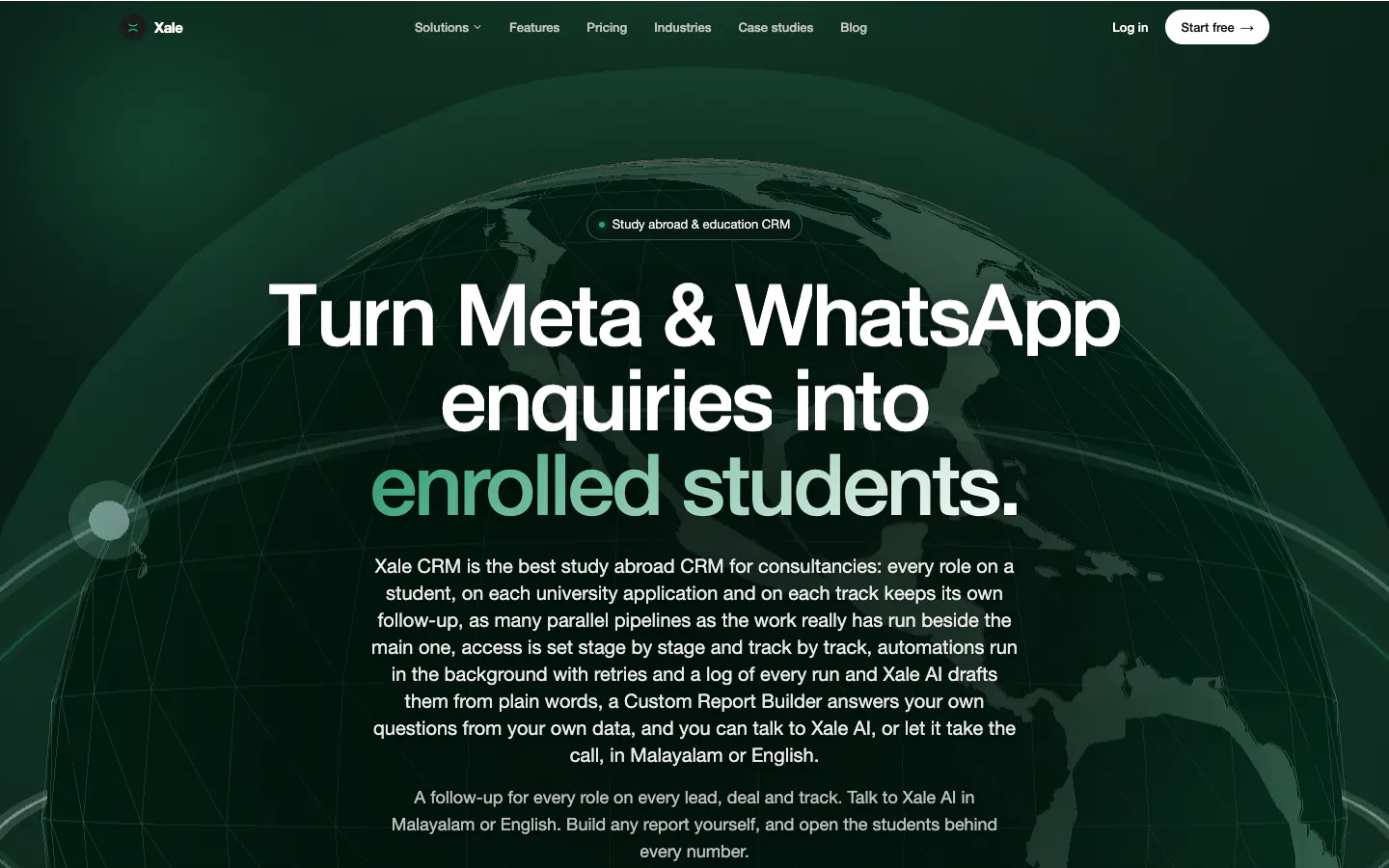
Xale's counsellor app: native Android. Xale CRM, built by the team behind Marketlube, is a web app with an Android counsellor app, and the reason is calls. The Android app syncs each counsellor's own call log and recordings (opens in a new tab) to the right lead (Xale case study), so nobody types up a call and a manager can hear what was said. A browser can't read the call log, so that one feature decided the platform. Everything else in Xale, from the pipeline to the reports, also works in the web app. Our post on building a CRM that scales explains why that phone app matters more to adoption than the dashboard.
The lesson is to decide feature by feature. Often the native part is small: a companion app for the one job that needs the phone's insides, beside a web app that does everything else.
How do cost, time and upkeep compare?#
Two of those rows deserve a note. Google Play's help page says developers with personal accounts created after 13 November 2023 must meet testing requirements before they can publish: one more reason to publish a business app from an organisation account in your company's name. And Apple's App Review Guidelines (opens in a new tab) say under guideline 4.2 that "your app should include features, content, and UI that elevate it beyond a repackaged website", so a website in an app wrapper risks rejection.
The cost difference comes mostly from the first and fifth rows: more codebases and more device-specific work mean more effort to build and to keep current. Our custom software cost guide lists platforms among the main cost drivers, with one phone-friendly web app at the cheaper end and web plus separate Android and iOS apps at the costlier end. We quote app builds per brief; the direction holds whoever builds it.
Time follows cost. A PWA ships the moment it is deployed. A store app adds store set-up, review and, on Android personal accounts, the testing requirement before the first public release.
What about iPhones?#
iPhones used to be the reason to skip PWAs. Less so now:
- Push notifications work, with conditions. Since iOS and iPadOS 16.4, web apps added to the Home Screen can receive Web Push (opens in a new tab), as long as the permission request responds to a user action such as tapping a subscribe button, and they support the Badging API (WebKit, 16 February 2023). A PWA left in a browser tab can't.
- Installation is a manual step. Users add the app from the Share menu, so your app should show iPhone users how.
- The device limits remain. No Web Bluetooth, Web NFC or Background Sync in Safari, per MDN's compatibility data.
Whether iPhones matter depends on who uses the app. In India they are a small slice of mobile web traffic: about 6% in September 2026 by StatCounter's count for India (opens in a new tab), read on 4 October 2026. In the Gulf the picture changes: iOS had just over a quarter of mobile web traffic in the UAE (opens in a new tab) and just over half in Saudi Arabia (opens in a new tab) the same month. A customer app for Riyadh needs to feel right on an iPhone; a field app for a Kerala sales team mostly doesn't.
What does Android-first India mean for the choice?#
It mostly strengthens the case for a PWA, with one big exception.
It strengthens the PWA case because Chrome on Android supports more of the web's device features than Safari does: Bluetooth, NFC and background sync all work there. With Android at about 94% of India's mobile web traffic in September 2026, most Indian users get the fuller version of what a PWA can do. An installed web app also avoids a large store download, which matters on the entry-level phones many field teams carry.
The exception is calls. Indian sales teams sell on the phone, often on their own SIMs, and the call log is the record that matters. If your software must log those calls automatically, you need a native Android app under Google Play's CRM exception, as Xale's counsellor app shows. For a staff tool on Android phones, that app can be Android only; an iPhone version may never be needed.
Design for the phones your users actually carry. Test on a mid-range Android phone on a patchy 4G signal, not only on the designer's iPhone. Keep screens light and text large enough for a bright day on a site visit. Our UI and UX design work starts with exactly those people, whether the result ships as a PWA or a store app.
Can you start with a PWA and add a store app later?#
Yes, and that order usually saves money. Three routes keep the door open:
- List the PWA on Google Play. A Trusted Web Activity (opens in a new tab) opens your PWA full screen from an Android app, verified with Digital Asset Links so the app and the site are proven to come from the same developer (Android Developers, updated 26 February 2026). The site has to meet the same installability requirements as a PWA, and tools such as Bubblewrap generate the project. You get a store listing without a second codebase.
- Add a native companion app for one job. Keep the main product on the web and build a small native app only for the feature that needs it, such as call sync or Bluetooth printing, sharing the same back end and logins. That is the Xale pattern.
- Go fully native when the evidence says so. If usage shows people need offline depth, heavy background work or an iPhone experience the web can't give, the web version has already proved the workflow, so the native build starts from a tested design.
One caution for the App Store: a PWA wrapped in a thin native shell is exactly what guideline 4.2 warns about, so plan genuine native features before submitting an iPhone app.
If you are still choosing how to build at all, our comparison of low-code and custom software covers platforms such as AppSheet and Glide that build phone-friendly apps without code, and our guide to choosing a software development company lists the questions to ask any vendor about platforms, accounts and ownership.
Frequently asked questions#
Is a PWA cheaper than a native app?#
Usually, because one web codebase serves Android, iPhone and desktop, there are no store accounts or reviews, and fixes reach users without store updates. A native app costs more when it means separate Android and iOS builds, plus Apple's 99 USD a year and Google Play's US$25 one-time fee.
Can a PWA send push notifications on an iPhone?#
Yes, since iOS and iPadOS 16.4, but only after the user adds the web app to the Home Screen, and only if the app asks for permission in response to a user action, such as tapping a subscribe button.
Can a PWA be listed on Google Play?#
Yes. A Trusted Web Activity wraps a PWA in an Android app that opens it full screen, verified with Digital Asset Links. The site must meet the same installability requirements as a PWA.
Can a web app read the phone's call log?#
No. Reading call history needs a native Android app, and Google Play allows the permission only for default phone, SMS or assistant apps or listed exceptions, such as business CRM apps with a corporate login, declared in Play Console and reviewed by Google.
What to do next#
List the jobs your app must do on a phone, and mark any that need the call log, background work, Bluetooth or NFC on iPhones, or a store listing. If none are marked, build a PWA. If one is, consider a small native companion beside a web app. Tell us what your users need to do on their phones and we will say which route fits, and which parts, if any, need to be native.
Changelog#
- 2026-10-08: ReelsBuddy's output corrected to 3,000+ videos so far (reported by our team, October 2026).
- 2026-10-09: The disclosure now names the mobile apps we build and links our app development page, which opened to search that day.
- 2026-10-10: The disclosure now says we do the UI/UX design for the software and the apps we build, with a link to our UI/UX design page.
Related services
Written by
Co-founder, Marketlube
Althameem Ali researched, edited and approved this post. Marketlube is a growth partner in Calicut building brands, websites, CRMs and campaigns for businesses across Kerala, India and the Gulf.