Offline conversion tracking for lead businesses: send CRM stages and sales back to Google Ads and Meta, with 2026's Data Manager change and the upload windows.
- Published
- Reading time
- 13 minutes
Drafted with AI tools; researched, edited and approved by Althameem Ali. Our editorial policy
On this page · 10 sections
- What is offline conversion tracking, and why do lead businesses need it?
- What changed in 2026?
- What do Google Ads and Meta each need?
- Which CRM stages should become conversions, and with what value?
- How do you keep the click ID on forms, calls and WhatsApp chats?
- How do you send the data: file imports, scheduled uploads or an API?
- How much volume does bidding need?
- What breaks offline tracking?
- Frequently asked questions
- What to do next
Full disclosure: we set up this loop as part of our performance marketing work and build the CRMs that feed it, so we sell both halves. Every platform rule below comes from Google's and Meta's own documentation, read on 4 October 2026, so you can check each step.
For a business that sells through calls, WhatsApp and site visits, the ad platforms see only the first moment: a form submitted or a chat started. They never learn which of those people bought. Offline conversion tracking closes that gap, and in 2026 both Google and Meta changed how it works.
What is offline conversion tracking, and why do lead businesses need it?#
An "offline conversion" is any result that happens outside the ad platform's view: a qualified call, a counselling session, a site visit, a booking, an admission. Tracking it means recording that result in your CRM against the original lead, then uploading it to Google Ads or Meta with an identifier that links it back to the ad.
Lead businesses need it more than shops do. An e-commerce site's pixel sees the purchase. A Kerala builder's pixel sees a form fill, while the sale happens weeks later in the site office. Without the upload, Meta and Google optimise for whoever fills in forms most easily, which is rarely who buys.
Our own site shows the split. GA4 counts generate_lead, whatsapp_click, call_click and email_click as key events, but the taps are intent, not leads; the leads are the chats, calls and forms that actually arrive, logged in a register. A CRM does the same at scale, and sending won deals back to Meta and Google is part of how we describe our CRM development work. The loop runs from the ad to the CRM and back to the ad.
What changed in 2026?#
Three changes matter if you set this up, or set it up before:
- Google moved uploads to the Data Manager on 15 June 2026. Google's help page on offline conversion imports (opens in a new tab) says that from that date, offline conversion and enhanced conversions for leads uploads "will be migrated to the Data Manager API and blocked in the Google Ads API", and that developer tokens with no requests between January and June 2026 "will not be allowlisted for legacy access". The Google Ads API guide (opens in a new tab) (updated 30 September 2026) puts it as: upload requests "will fail if the developer token hasn't previously sent requests". New set-ups should start on the Data Manager API (opens in a new tab), which needs no developer token.
- Google merged its enhanced conversions settings. Since April 2026, enhanced conversions for web and for leads are "combined into a single on/off setting". Google also recommends that anyone new to offline imports start with enhanced conversions for leads, "an upgraded offline conversion import" that adds hashed email or phone to the click ID.
- Meta's old offline API is legacy. Meta now calls the Offline Conversions API "Meta's legacy API for offline events" and recommends the Conversions API (opens in a new tab) instead (updated 5 January 2026). For lead ads, its CRM integration has its own payload specification (opens in a new tab) (updated 28 June 2026).
Meta also changed how its own reports count conversions in 2026, which makes your CRM numbers more important than ever; our guide to Meta's 2026 changes covers that side.
What do Google Ads and Meta each need?#
Each platform needs a way to recognise the person, a conversion to attach the result to, and an upload within its time limits:
Sources for the table: Google's offline conversion imports FAQ (opens in a new tab) and enhanced conversions for leads set-up (opens in a new tab); Meta's Conversions API for CRM integration (opens in a new tab), its payload specification and its customer information parameters (opens in a new tab) (updated 9 January 2026).
Two details catch people out. Google's 90-day window is a problem for property sales that close in month four, so bid on an earlier stage that happens within 90 days, such as a qualified lead or a site visit. And Meta's CRM events must carry a timestamp no more than seven days before you send them, so a weekly upload loses data at the edges.
Which CRM stages should become conversions, and with what value?#
Google's advice is to "create a separate conversion action for each stage of the funnel" and usually bid to one of them. Meta's CRM integration wants every stage sent as it happens, including the first. Here is how we map a typical Kerala property or admissions pipeline:
For the values, work backwards from a sale. If an average booking earns ₹3 lakh in margin and one in ten qualified leads books, a qualified lead is worth about ₹30,000 to you; if half of all site visits book, a visit is worth ₹1.5 lakh. Those are illustrative numbers: use your own margin and stage-to-sale rates. Google accepts proxy values: its value-based bidding guide (opens in a new tab) says values "can be real economic values, like revenue or proxy values, like a lead score". Our AI lead scoring guide shows how to build that score.
How do you keep the click ID on forms, calls and WhatsApp chats?#
The identifier has to survive from the ad to the CRM record. Each channel loses it differently:
- Website forms. With auto-tagging on, Google adds a
gclidparameter to the landing page address, and Meta addsfbclid, which its pixel stores in the_fbccookie. Capture both into hidden form fields and save them on the lead, along with email and phone. Redirects and form plug-ins that strip URL parameters are the usual leak; test with a real ad click. Our landing page checklist covers the rest of the page. - Meta lead ads. Save the lead ID that arrives with each lead. Meta's lead ads guide (opens in a new tab) (updated 21 May 2026) delivers new leads by webhook in near real time, with a
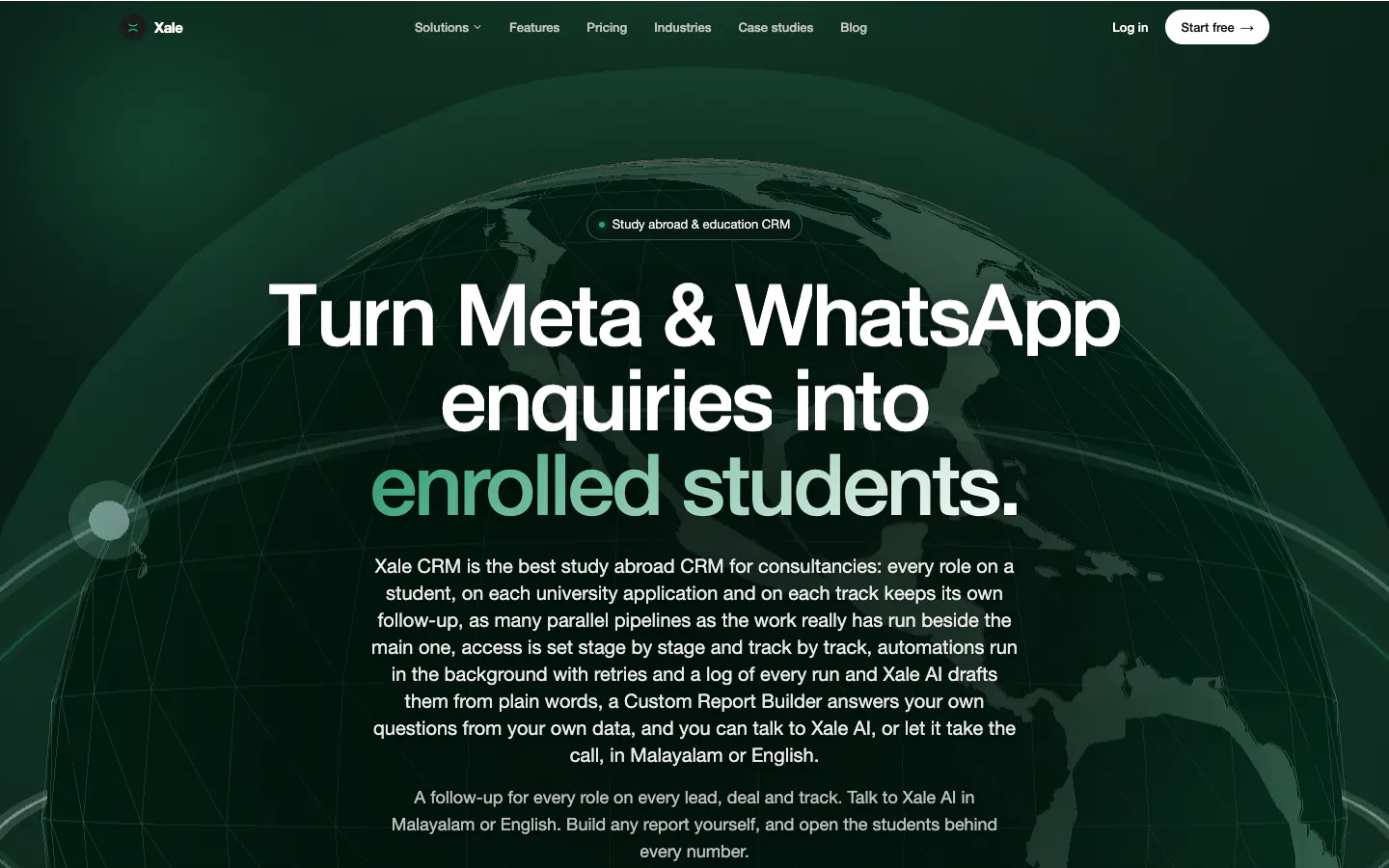
leadgen_idyou can store. Xale, the CRM built by the team behind Marketlube, saves the campaign and form tags on every Meta lead (opens in a new tab) and syncs ad spend daily, which is the data this whole loop depends on. - Calls. Google's call reporting uses Google forwarding numbers, which are available in India, but its call reporting page (opens in a new tab) notes that the caller's number isn't shown for Indian calls, and the UAE isn't on its list of countries. In practice, record the caller's mobile number and email against the lead, and let enhanced conversions match the hashed number later.
- Click-to-WhatsApp chats. When a chat starts from an ad, the first message carries a referral object with a
ctwa_clid, which Meta describes in its Conversions API for business messaging (opens in a new tab) as "a personal identifier, unique per click" (updated 5 May 2026). Store it with the conversation and send it back with each stage. Our click-to-WhatsApp guide covers the chat side. - WhatsApp buttons on your site. A chat started from a website button carries no click ID. A pre-filled first message helps you match it: on our own site, every WhatsApp link opens a chat that names the page the visitor came from. Ask for an email or confirm the number in the chat, and record the source on the lead.
The CRM side matters as much as the tags. Our post on building a CRM that scales explains why the source has to be saved the moment a lead arrives, because it can't be rebuilt later.
How do you send the data: file imports, scheduled uploads or an API?#
Pick the simplest route your volume allows:
- Manual file uploads. Google accepts "a simple 5-column Excel/CSV template" uploaded in Google Ads. Fine for a test month, hard to keep up daily.
- Scheduled imports. Google's Data Manager can read a Google Sheet, an SFTP folder or cloud storage on a schedule, and its connectors cover tools such as HubSpot and Salesforce. File-based sources re-read the last 90 days on every run, so a corrected row fixes itself. Google's FAQ even notes that a CRM isn't required: "A Google spreadsheet will also work."
- An API. The Data Manager API and Meta's Conversions API send each stage as it changes. The Data Manager API also treats a repeat upload with the same transaction ID as an adjustment rather than an error, according to Google's upgrade guide (opens in a new tab).
A team with a few hundred leads a month can usually manage with a daily sheet or a partner connector. A CRM that can call the platforms' APIs can push events directly, which is how we wire the CRMs we build on Xale (opens in a new tab), as our team reports.
How much volume does bidding need?#
Uploading is useful for reporting at any volume. Bidding on it needs more:
- Meta lists its guidelines for Conversion Leads: at least 200 leads a month, uploads at least daily, the target stage reached within 28 days of the lead, and a stage conversion rate between 1% and 40%. It estimates three to four weeks to value, including a learning phase of two to four weeks.
- Google recommends uploading daily "for at least one but up to 2 conversion cycles" before a conversion goes into the Conversions column that Smart Bidding optimises for, and, if you move to target ROAS, waiting six weeks for conversion values to build up.
If you are below Meta's 200 a month, keep optimising for leads but upload stages anyway: the reporting alone shows which campaigns produce buyers. And choose a stage common enough to pass the 1% floor. "Qualified" usually is; "booked" often isn't.
What breaks offline tracking?#
- Missing identifiers. Auto-tagging off, landing pages that drop URL parameters, chats moved to personal numbers. Check a sample of fresh leads every week for a GCLID, lead ID or click ID.
- Late uploads. Meta rejects CRM events older than seven days; Google refuses clicks older than 90 days and hashed-data conversions older than 63. Daily uploads avoid all three.
- Time zones and dates. Google's FAQ lists "Conversion date precedes click date" as a common error. Store times with their time zone, especially for Gulf leads.
- Duplicates. Use one transaction or order ID per conversion so a retry doesn't count twice. Meta de-duplicates offline events over a seven-day window.
- Formatting. Phone numbers need the country code (+91, +971), and values must be normalised before hashing: Google asks for trimmed, lower-case text and phone numbers in E.164 format.
- Consent. Hashing hides the raw value, but Google and Meta match it to a person, so treat uploads as personal data. Google's API guide to offline conversions (opens in a new tab) says it is "highly recommended that you populate the consent field" and that, if it isn't set, "it's possible that your conversions won't be attributable". India's DPDP Rules require consent notices that state each purpose from May 2027, so say in your forms and chats that enquiry data may be used to measure and improve advertising.
Frequently asked questions#
What is the difference between offline conversion import and enhanced conversions for leads?#
Offline conversion import matches an uploaded result to an ad click using the GCLID saved with the lead. Enhanced conversions for leads adds hashed email or phone numbers, which Google matches to signed-in Google accounts, so conversions can still be credited when the click ID is missing. Google recommends enhanced conversions for leads for new set-ups.
How long after a click can you upload an offline conversion to Google Ads?#
Up to 90 days with a GCLID, according to Google's offline conversion imports FAQ, and up to 63 days for conversions matched only on hashed customer data. For sales cycles longer than that, bid on an earlier stage that happens inside the window, such as a qualified lead or a site visit.
Can you track sales from click-to-WhatsApp ads?#
Yes. The first message of a chat that starts from a click-to-WhatsApp ad carries a click ID in its referral data. Store it with the conversation, and send it with each later stage, such as a qualified lead or a purchase, through Meta's Conversions API for business messaging.
Do you need a developer to set up offline conversion tracking?#
Not always. Google's Data Manager can import from a Google Sheet or connected tools such as HubSpot and Salesforce, and Meta supports partner integrations such as Zapier. A developer is needed for direct API uploads from a CRM with no ready connector, or to capture click IDs reliably on a custom website.
What to do next#
Open your CRM and check the last 50 leads from ads: how many carry a GCLID, a Meta lead ID or a click ID? If it is fewer than most, fix the capture first, because no upload can repair a missing identifier. If you want the loop set up end to end, send us your current funnel stages and we will map them to Google and Meta conversions with you.
Related services
Industries
Written by
Co-founder, Marketlube
Althameem Ali researched, edited and approved this post. Marketlube is a growth partner in Calicut building brands, websites, CRMs and campaigns for businesses across Kerala, India and the Gulf.